


 New Arrival -- Flagship 4-Bay NAS
UGREEN NASync DXP4800 Pro
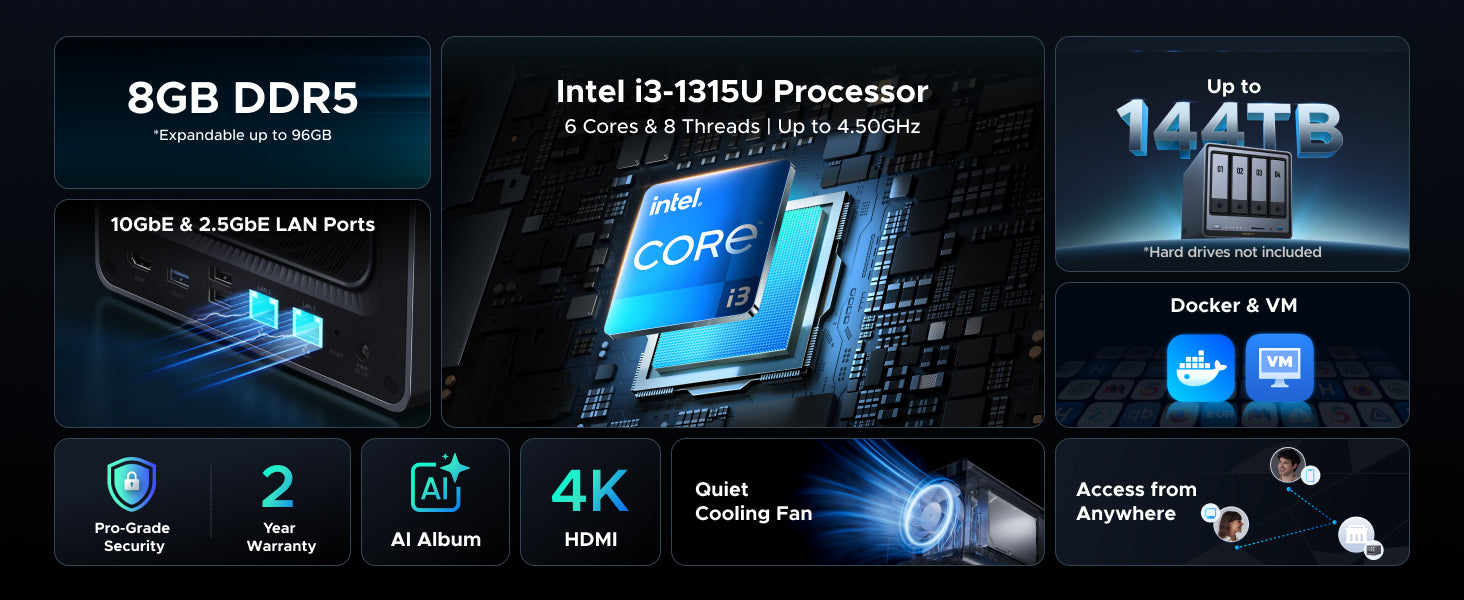
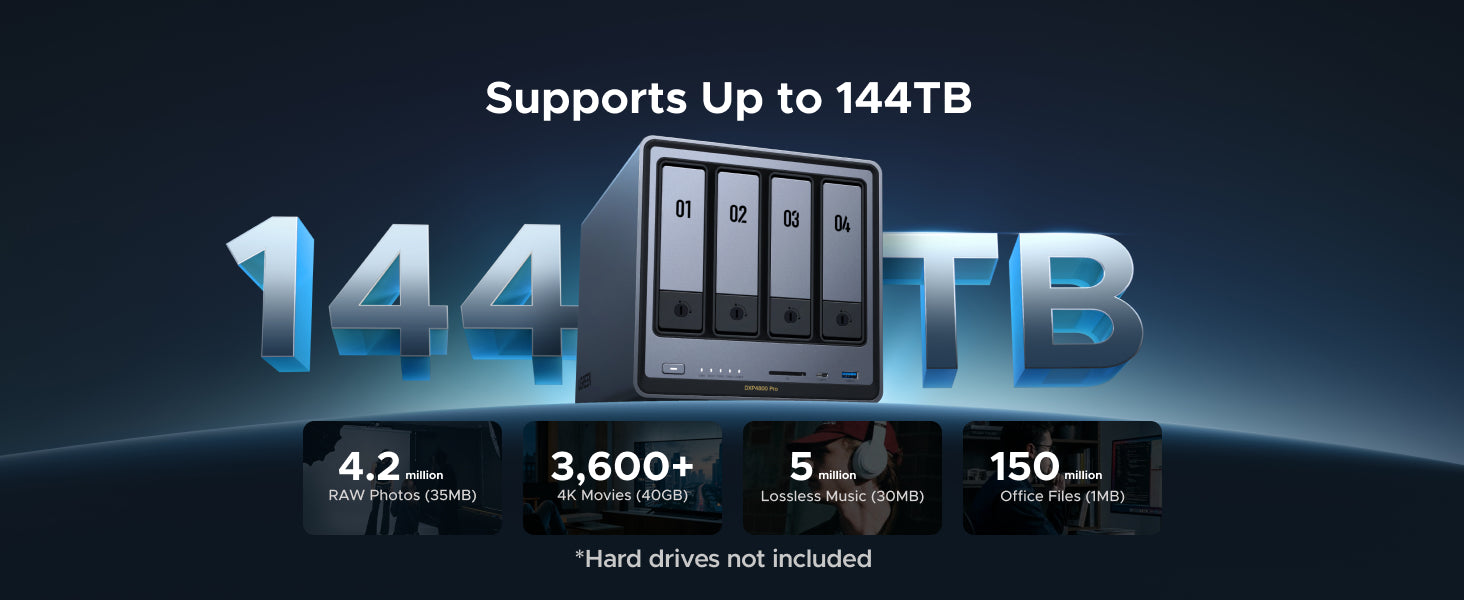
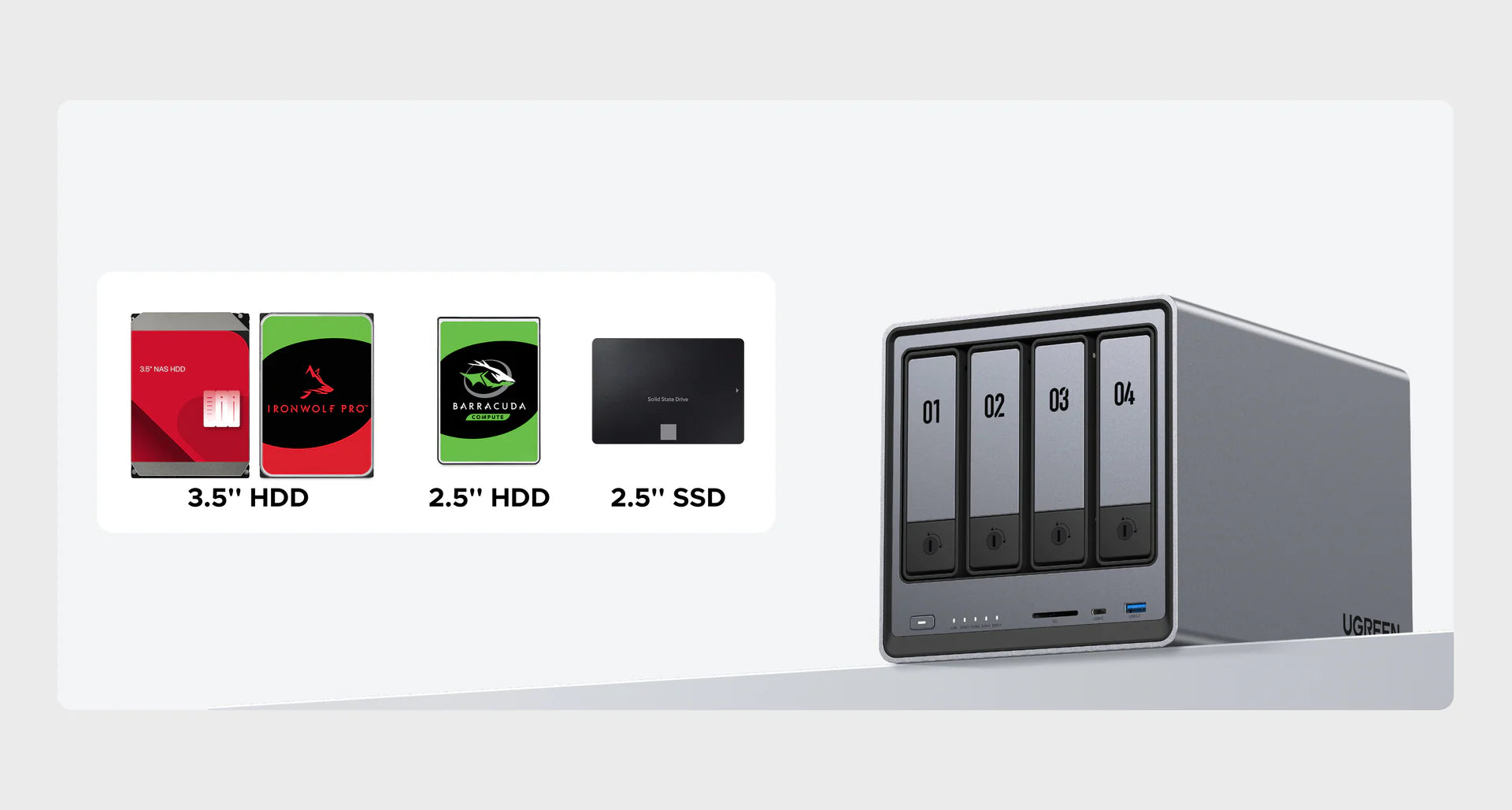
- Capacité de stockage massive de 144 To : Stockez plus de 50 millions de photos de 3 Mo ou plus de 98 000 vidéos de 1,5 Go. Ne vous souciez plus jamais de l'espace de stockage.
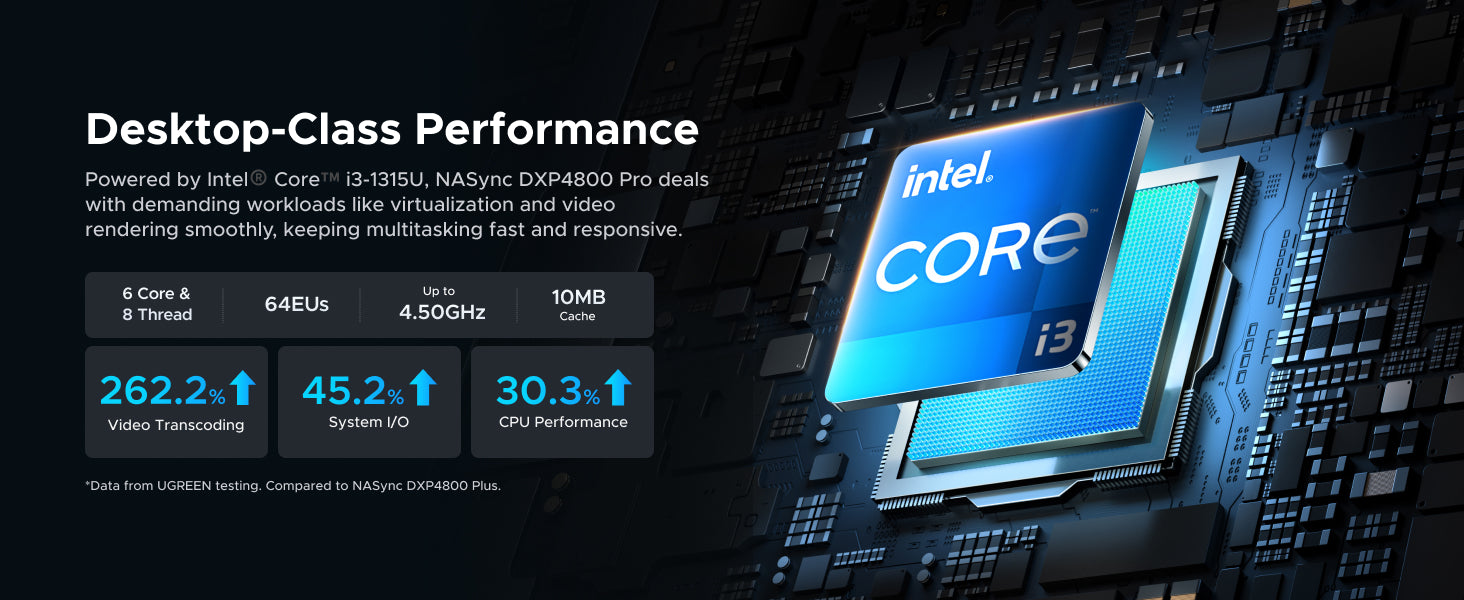
- Processeur Intel® Core™ i3-1315U : Capable de gérer simultanément des tâches exigeantes, des conteneurs Docker et des machines virtuelles à la synchronisation de fichiers et au transcodage multimédia
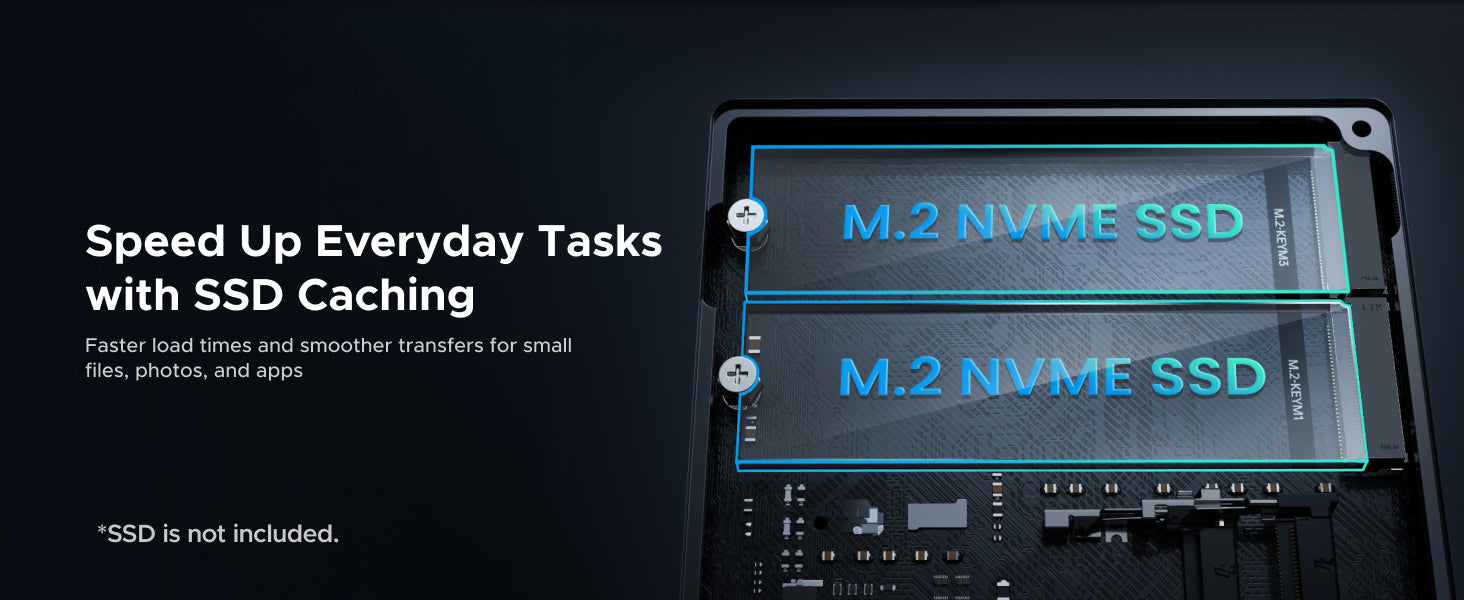
- Deux emplacements SSD M.2 NVMe :Configurez la mise en cache SSD pour accélérer les actions quotidiennes telles que la prévisualisation des photos, le chargement des applications et le fonctionnement général du système.
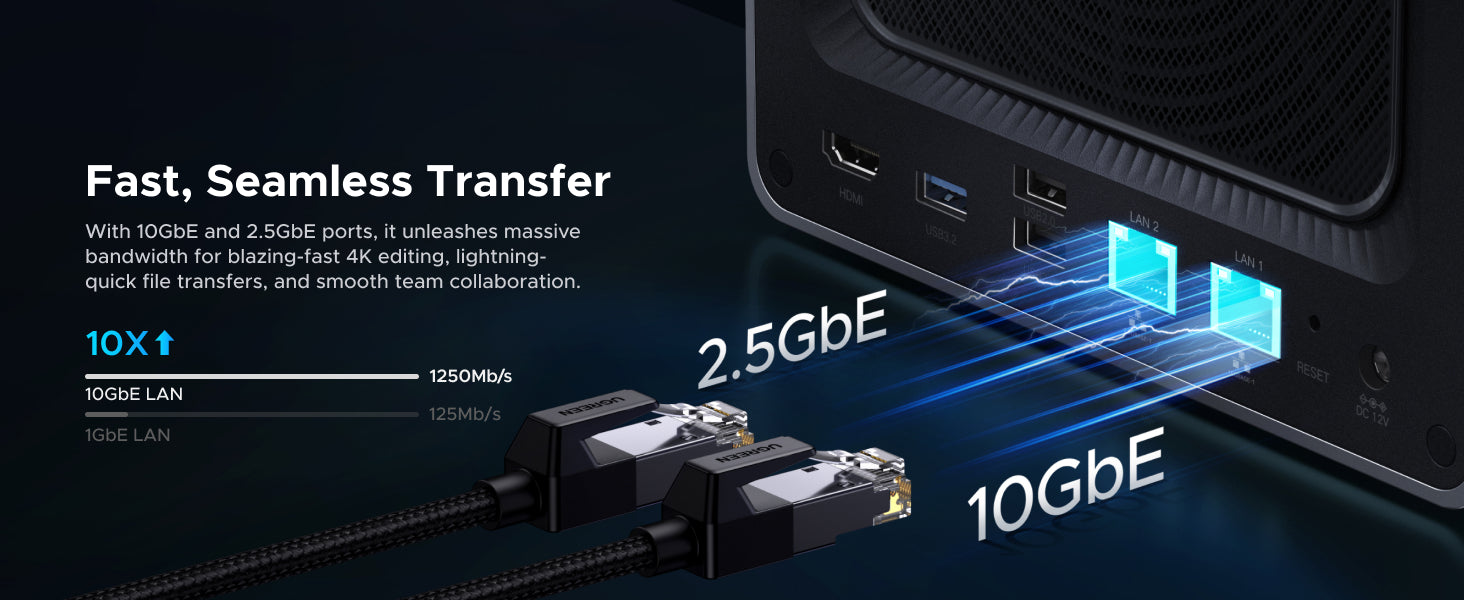
- Deux ports réseau haut débit (10 GbE + 2,5 GbE) : L'interface 2,5 GbE offre des performances fluides sur les réseaux courants, avec un port 10 GbE pour les connexions haut débit lorsqu'elles sont disponibles.
- Cloud privé sécurisé : Propriété totale des données. Protection avancée. & Autorisations flexibles.
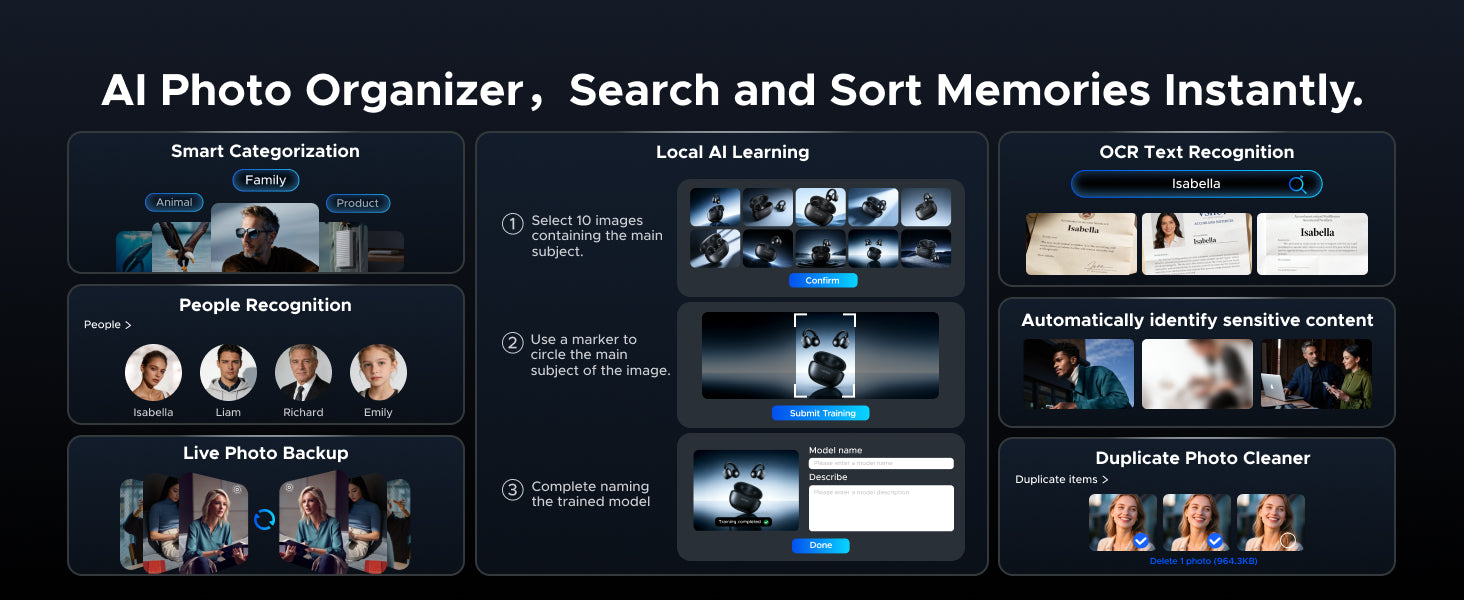
- Magie des photos par l'IA : Tri automatique par visages, lieux, objets. Suppression instantanée des doublons.
- Accès facile depuis n'importe où : Installation simple et partage de fichiers facile sur tous les appareils & plateformes.
- Garantie de 2 ans : Bénéficiez de 2 ans de protection avec UGREEN.
- Remarque : Disques de stockage vendus séparément. Veuillez consulter notre liste de compatibilité pour plus de détails.
• Learn more about 120W DC UPS and M.2 NVMe SSD.
Impossible de charger la disponibilité du service de retrait
 Shipping & Delivery Timeline
 30-Day Price Match
 2-Year Product Warranty
 30-Day Returns



Massive Storage Capacity Up to 144TB

Intel® Core™ i3-1315U Processor

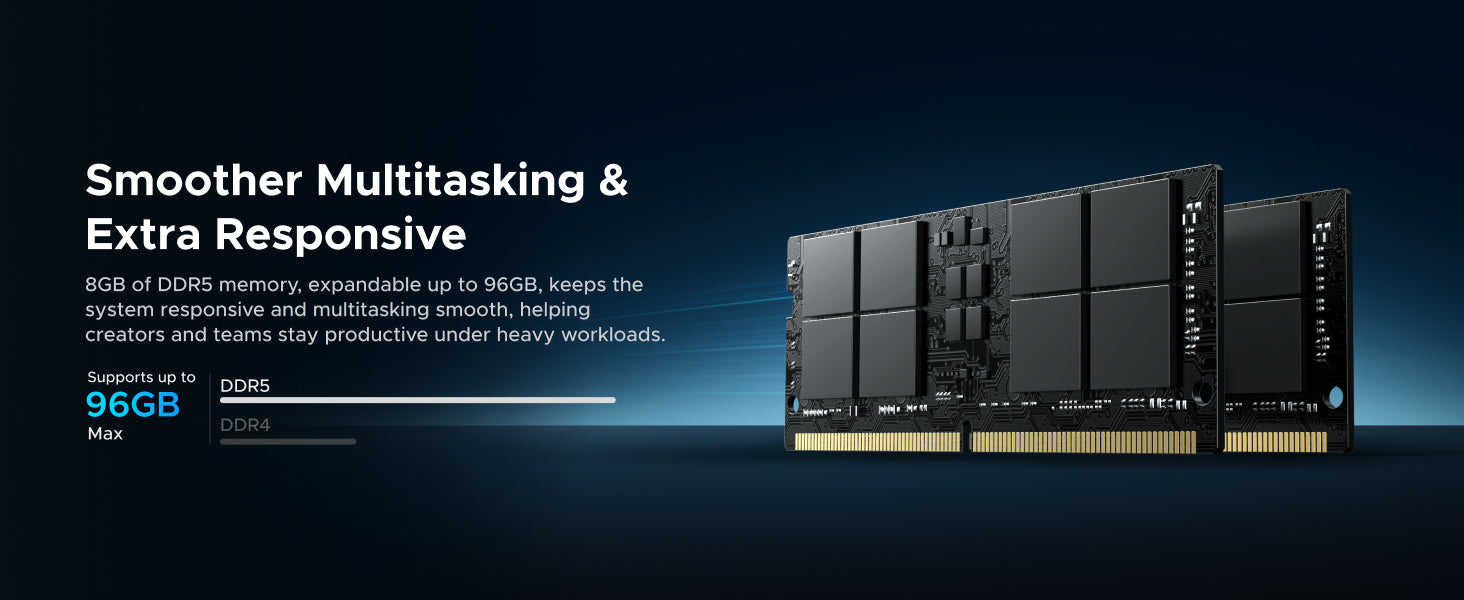
8GB DDR5 Memory (Expandable to 96GB)

Dual M.2 NVMe SSD Slots

10GbE + 2.5GbE High-Speed Dual Network Ports

Subscription
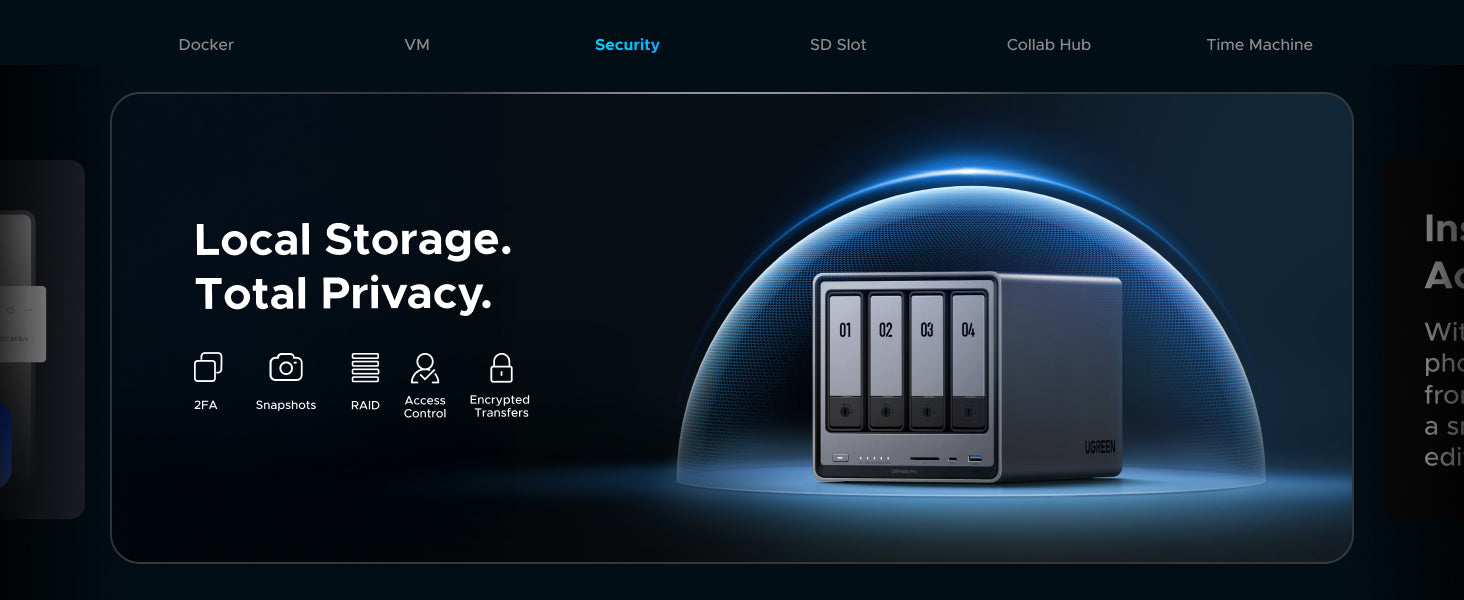
Data Security
Upload and Download Speeds
Easy to use

Free
High
File sync & backup
Permission management
Real-time scan
Fast & Stable

Paid
Limited
Cloud provider outage
Lost file access rights
Limited & Unstable
--
Low
Hardware damage
Fast
Easy Access from Anywhere
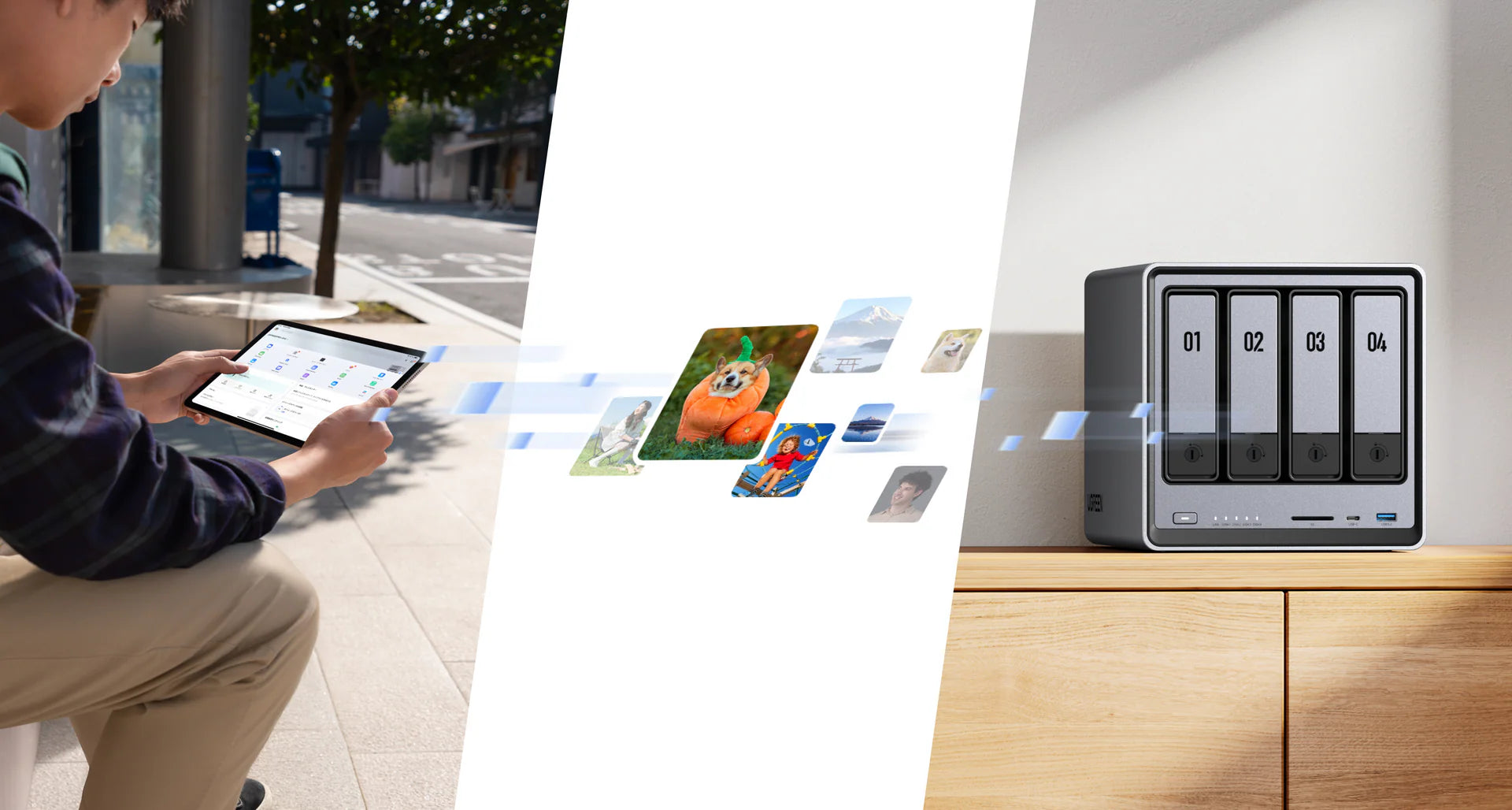
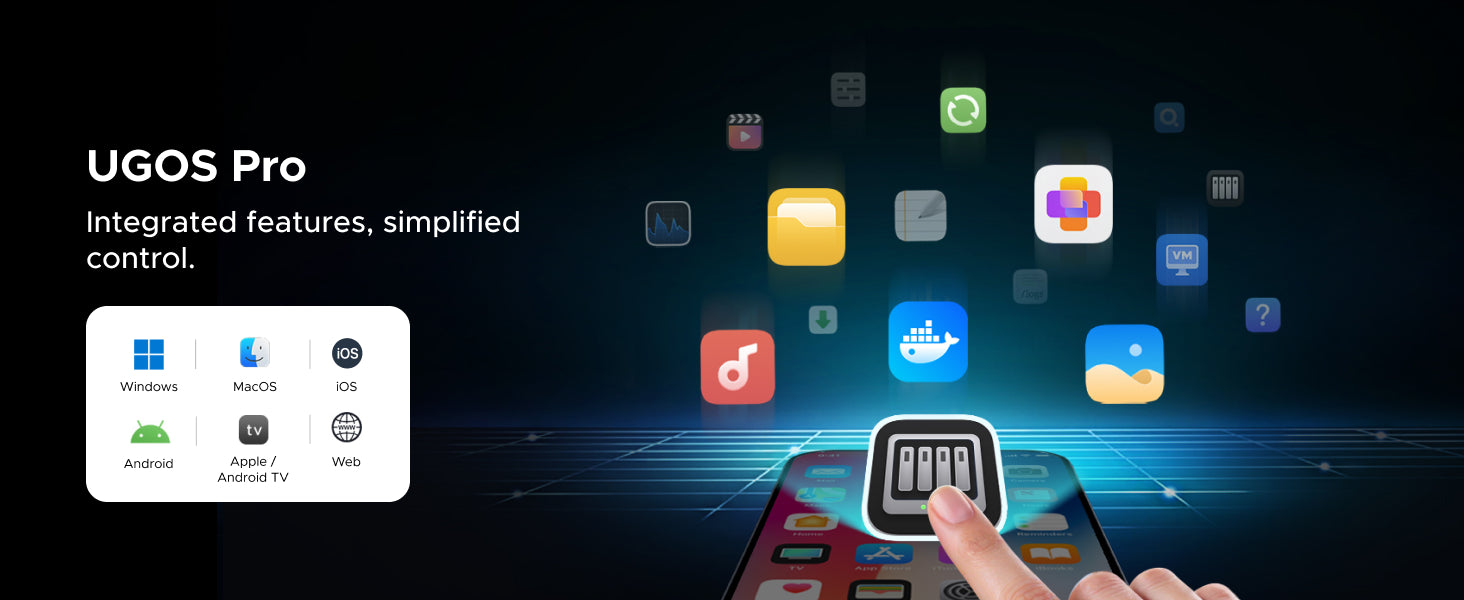
Broad Compatibility
Your 4K Home Media Hub
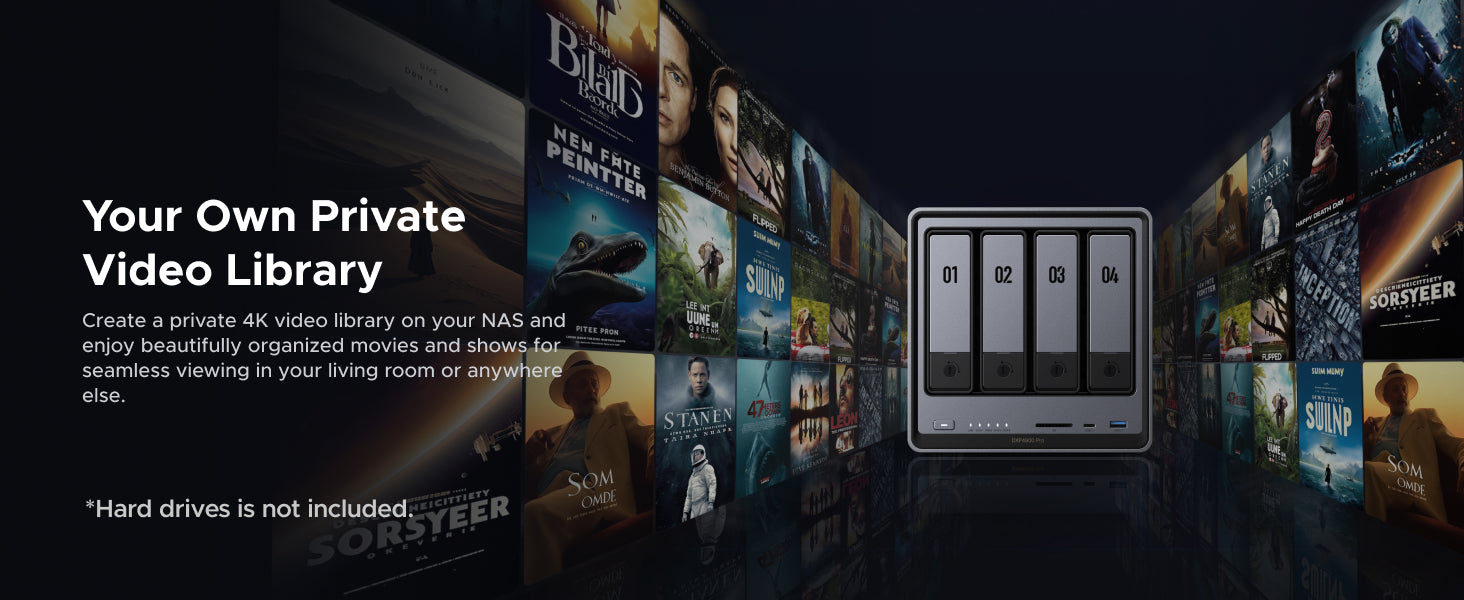


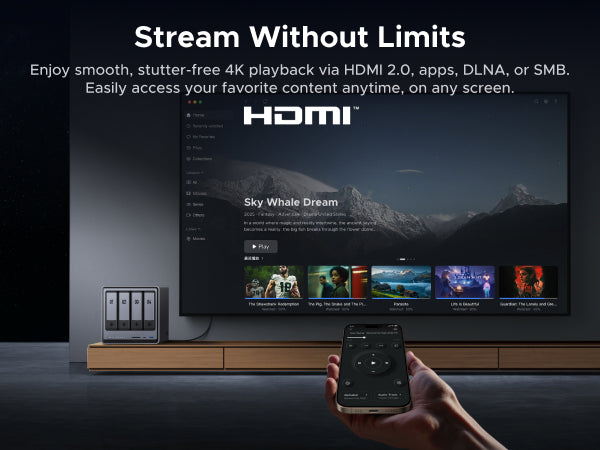
Video Library
4K Video
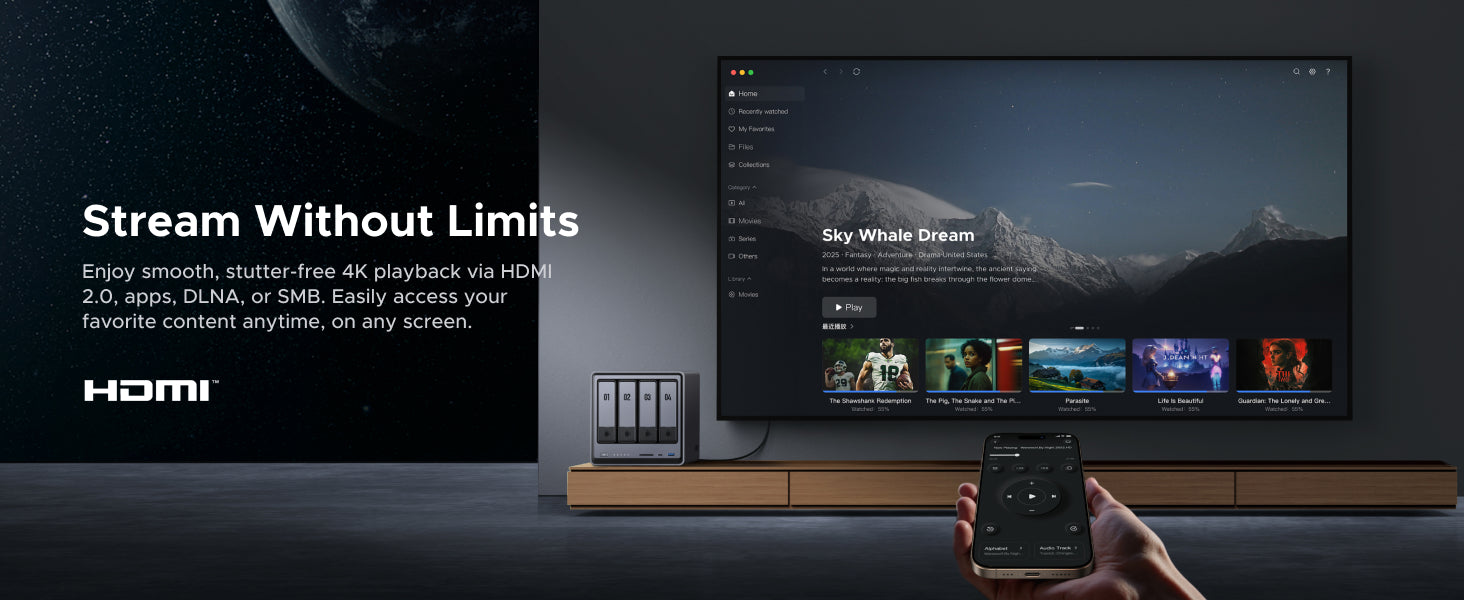
Stream Without Limits
AI-Powered Photo Album

Beginner-Friendly UGOS Pro Operating System

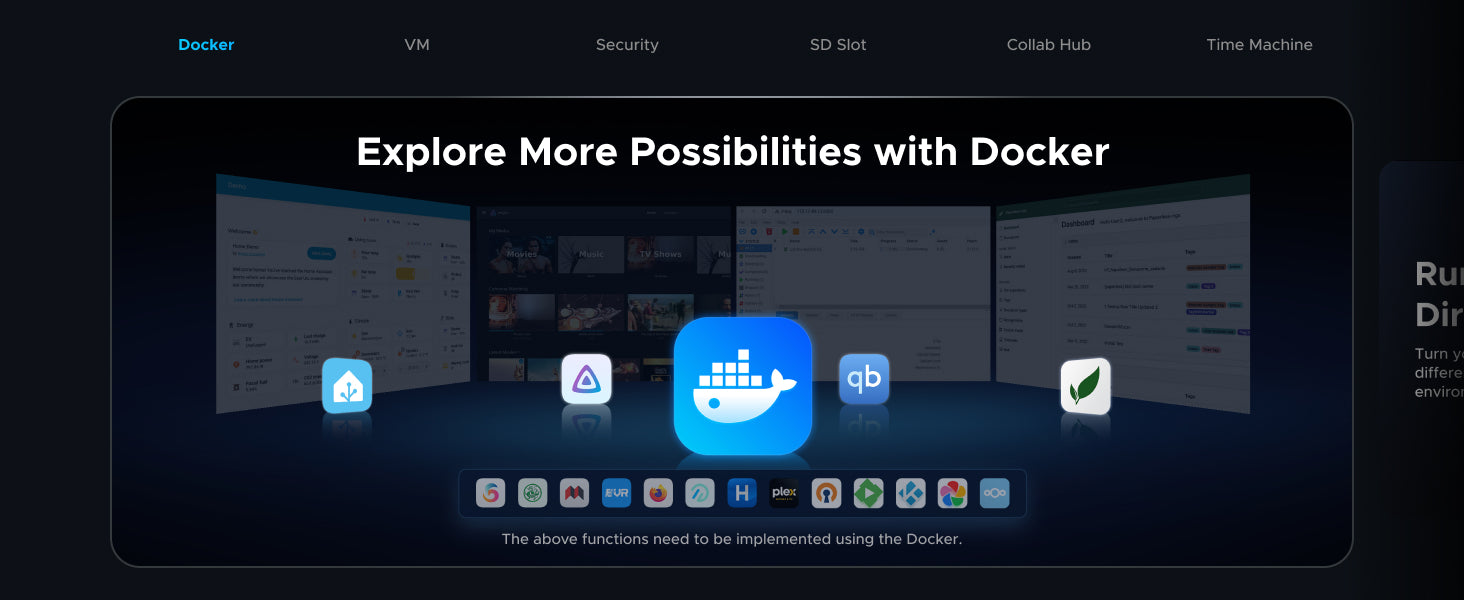
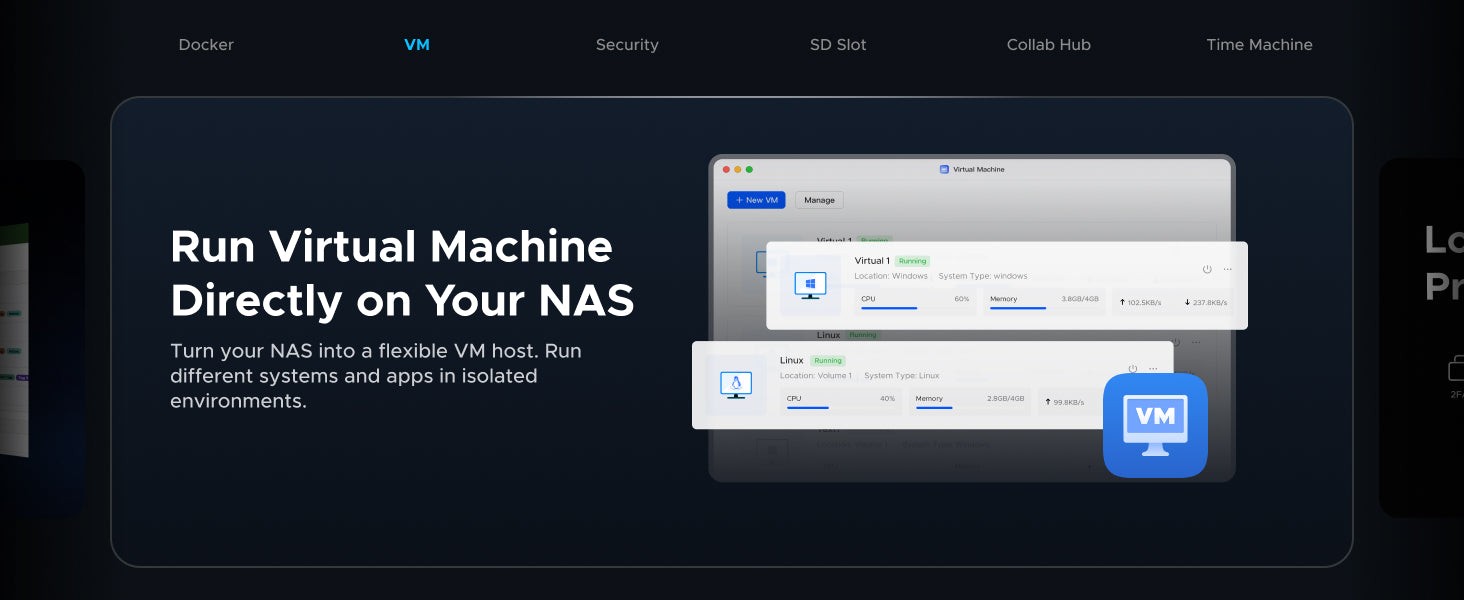
Docker and VM Support


Strong Privacy and Data Security

The Perfect Hub for Your Team
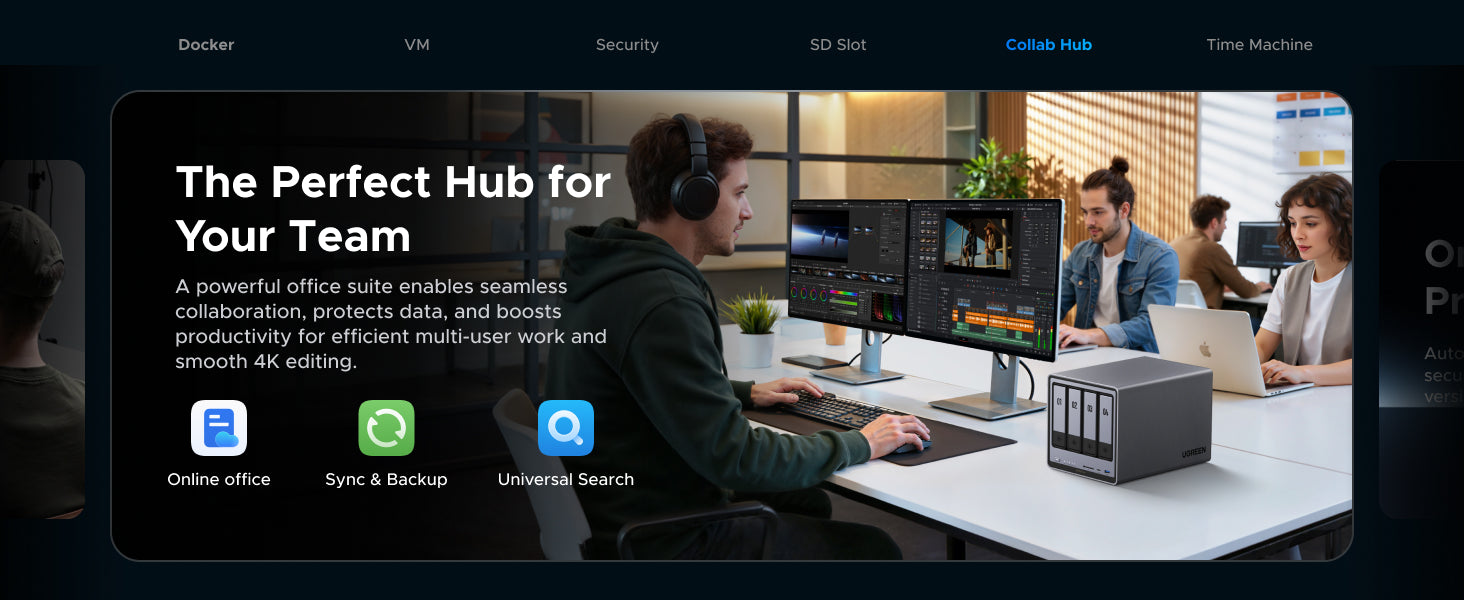
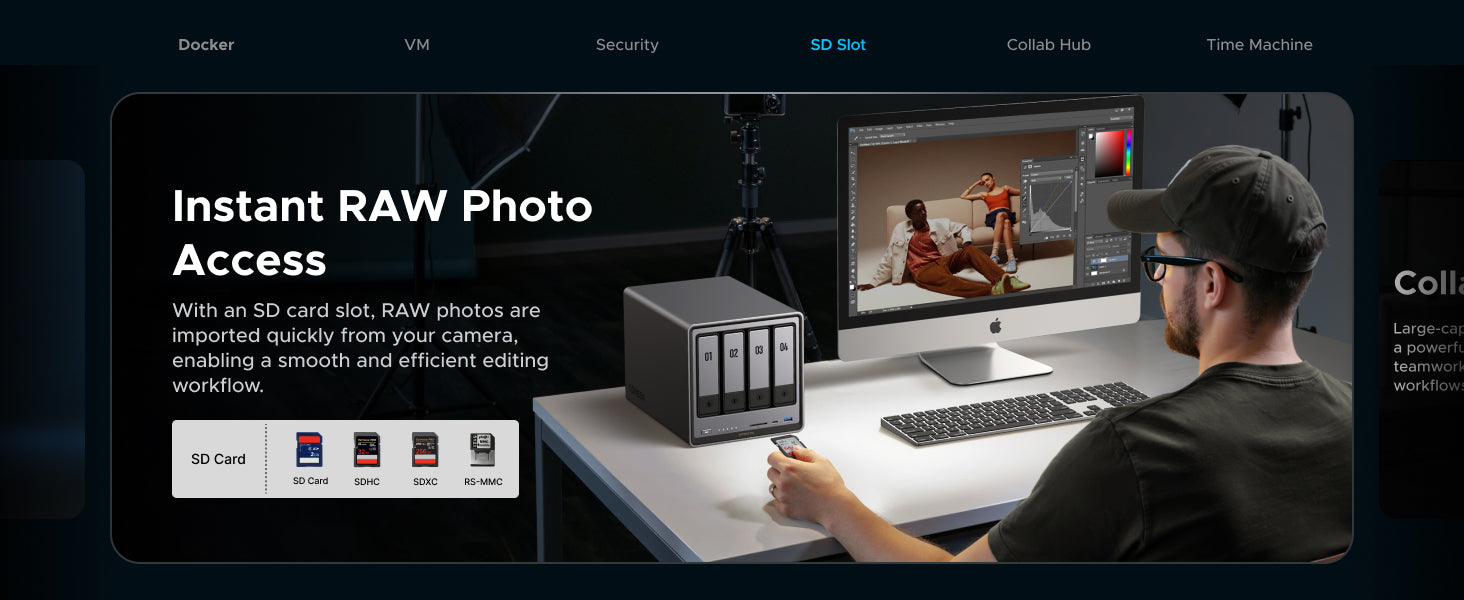
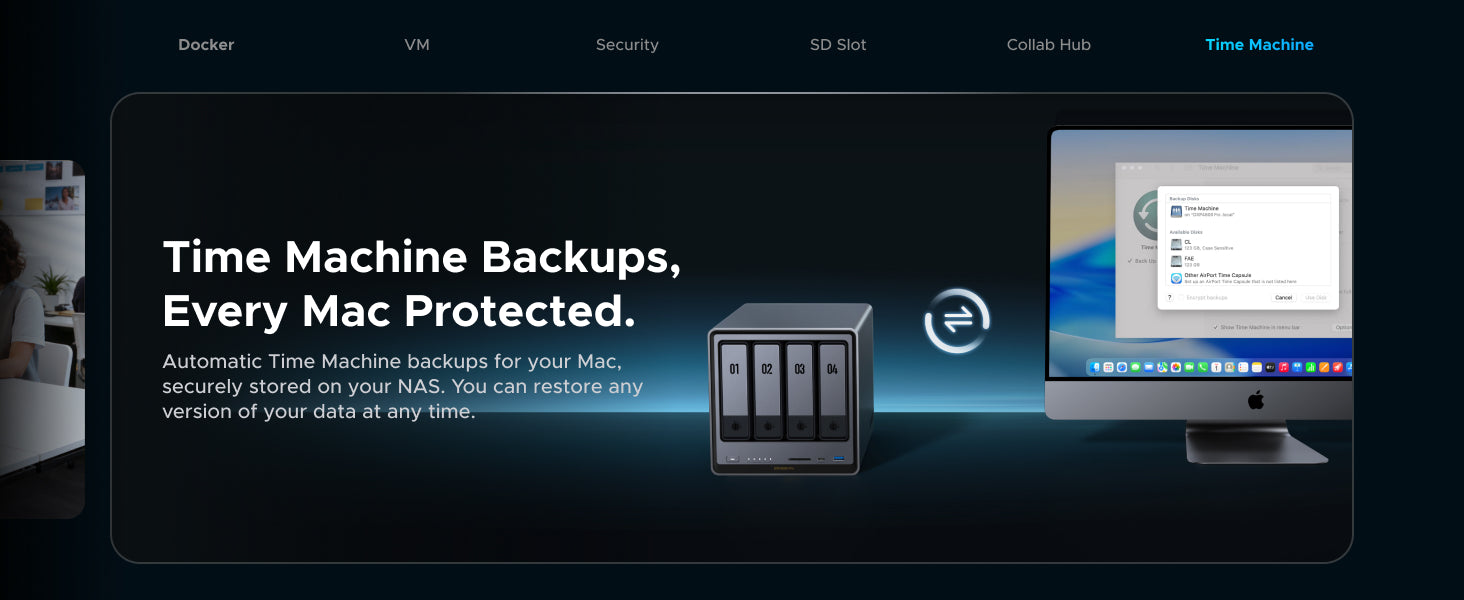
Collab Hub
SD Slot
Time Machine
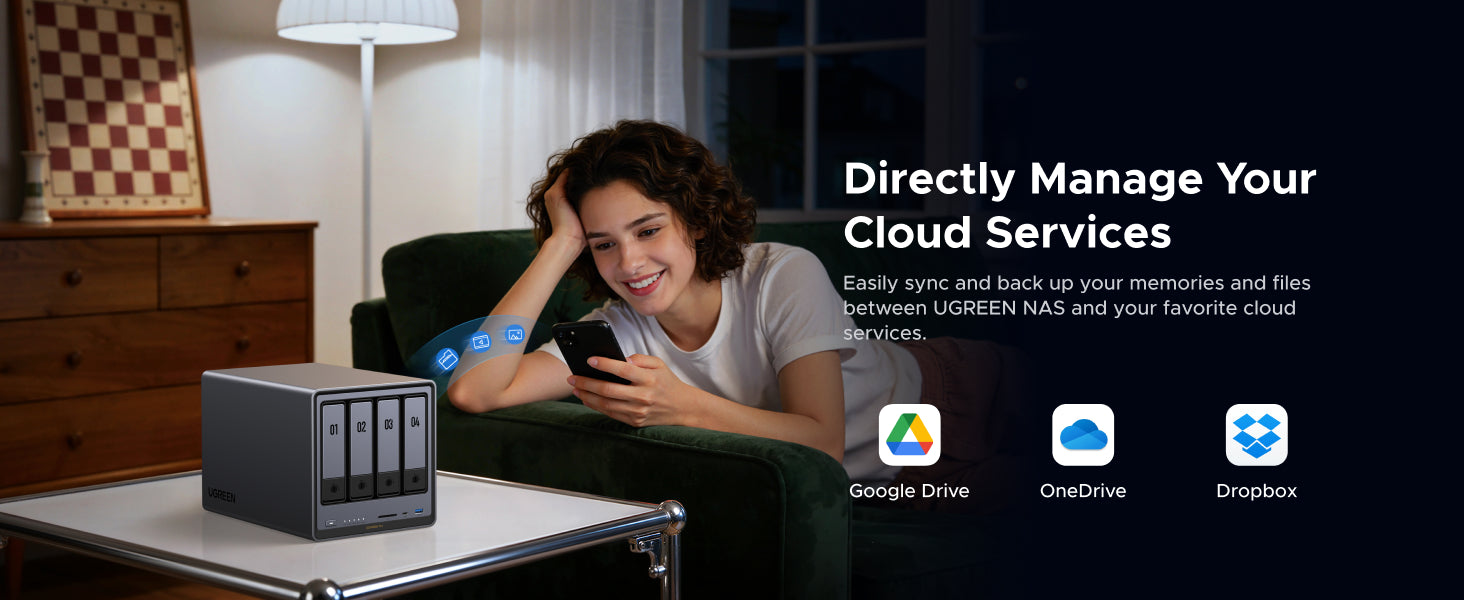
Cloud Drive Mounting
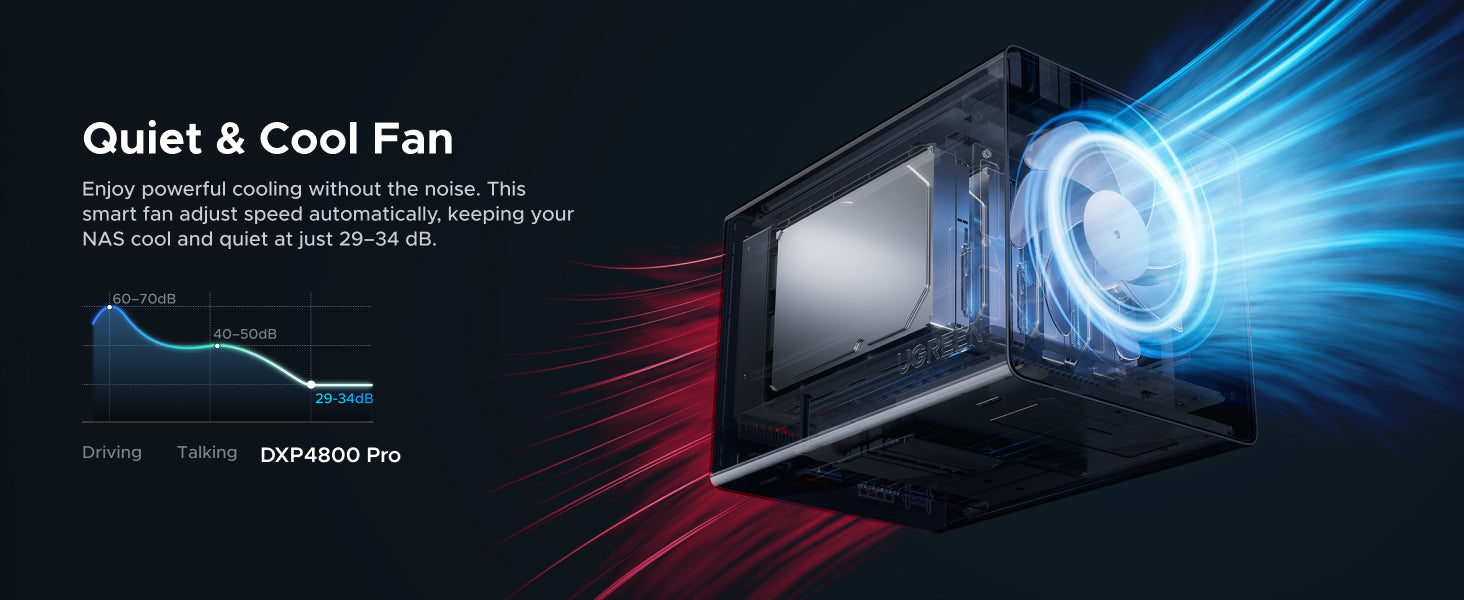
Quiet, Efficient, and Durable

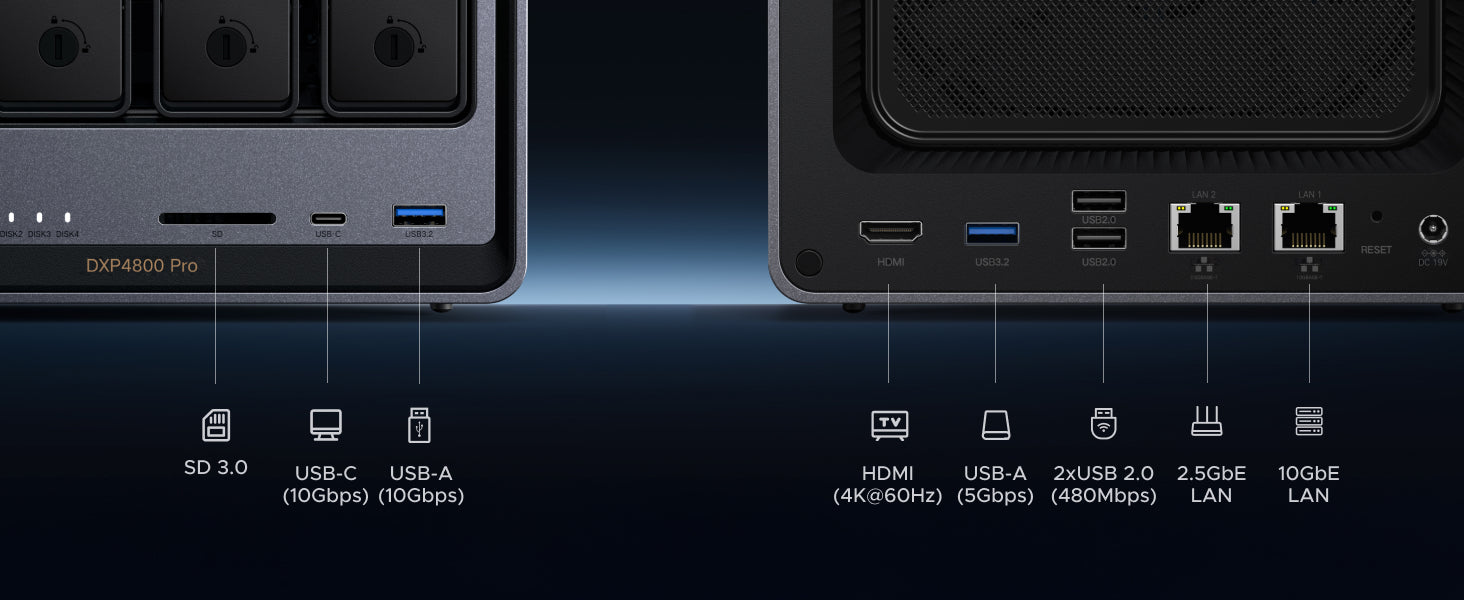
Port Layout

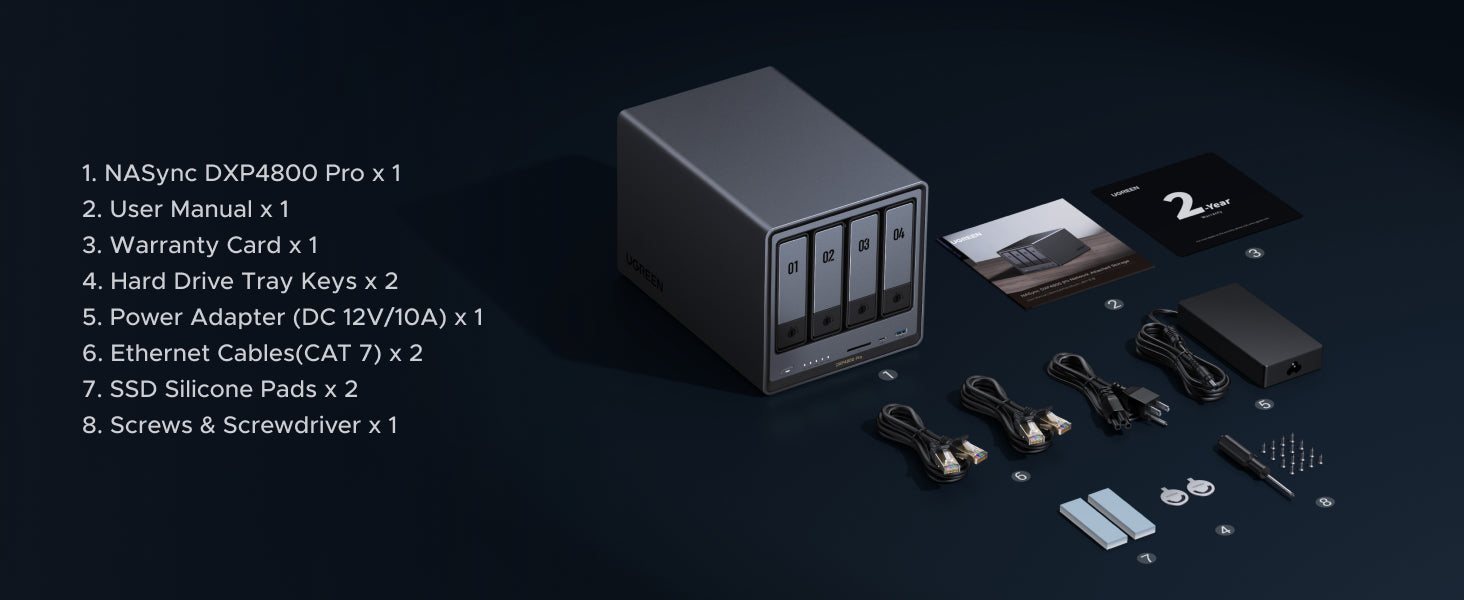
What's in the box?

Comparison with Other UGREEN NASync
The NASync DH Series is great for beginners and home users purchasing a NAS for the first time. It offers massive storage, user-friendly features, and competitive specs at an accessible price.
The NASync DXP Series is built for enthusiasts, creators, and professionals. It delivers stronger processing power and supports advanced functions like Docker and virtual machines across all models.
Network-attached storage (NAS) is a dedicated file storage solution that connects to a local area network (LAN), allowing multiple users and devices to access and share files seamlessly. It combines hardware and software with protocols like NFS, SMB, or AFP to enable centralized file sharing. NAS devices, which can be scaled up by adding more storage drives, often support redundant storage configurations like RAID for data integrity. Managed through a browser-based utility, NAS systems provide fast, secure, and reliable storage services, making them ideal for both home and enterprise environments where efficient file sharing and data management are crucial. Read more:What is NAS Storage?
NAS devices connect to your network via Ethernet or Wi-Fi, creating a local area network (LAN). They use file-sharing protocols like NFS and SMB/CIFS to allow multiple users to access stored data simultaneously. See more:How Does NAS Work?
For personal use, RAID 5 offers the best balance between redundancy and usable storage space; RAID 6 provides stronger protection but requires the capacity of a second hard drive. If you’re unsure which setup aligns best with your storage goals, our guide on how to choose RAID for NAS breaks down the pros and cons of each configuration.
NAS-specific hard drives, such as WD Red or Seagate IronWolf, are recommended for their reliability and performance in always-on, multi-user environments.For a 4-bay NAS, Toshiba N300, Seagate IronWolf, and Western Digital Red Plus are common choices. For more, check out: What Drives Should I Use for a NAS?
4bay NAS provides significantly more storage capacity, greater flexibility with RAID configurations (like RAID 5 or RAID 6 for better performance and more fault tolerance), and better future-proofing for growing data needs. While A 2bay NAS is more affordable and compact, suitable for beginners with limited memory requirements with RAID 1. If you want to know which one is right for you, you can read our blog post: 2-Bay vs. 4-Bay NAS.
Yes, you can access your NAS storage remotely through several methods, each with different levels of security and ease of use:
VPNs
Most secure method using either built-in NAS VPN services or router VPN capabilities.
- Pros: Highest security level
- Cons: More complex setup
Port Forwarding
Direct connection method that requires router configuration.
- Pros: Fastest connection speeds
- Cons: Requires technical knowledge, potentially less secure if not properly configured
The best method depends on your needs: choose VPN for security, or port forwarding for speed.
NAS offers faster local access, one-time costs, and complete control over your data, while cloud storage provides off-site backup and easier remote access. Read more: NAS vs Cloud Storage.
Yes, NAS devices can install and run media server applications like Plex, Emby, and Kodi.Plex is widely used,offering both free and premium features for streaming media to various devices. Emby provides similar functionality with better Kodi integration, while Kodi works as a media player accessing your NAS files directly. The performance of these applications, especially for transcoding, will depend on your NAS's hardware capabilities. For optimal performance with 4K content or multiple simultaneous streams.
1. Price Match Promise (Guarantee)
Confidence in Best Price: Shop with the assurance that you are getting the best price directly from NAS Ugreen official website. If, within 30 days of your order being placed, you find the identical model currently advertised on the official Ugreen website at a lower price, we will refund you the difference.
2. How to Claim: Simply contact our Customer Service team via the official website or live chat to initiate your claim. Please have the following information ready.
Product Eligibility:
-The product must be the exact same model (matching both product name and SKU) as the one sold on the official Ugreen NAS website (e.g., nas.ugreen.com).
-The product must be purchased via Ugreen NAS official website and It cannot be reconditioned (refurbished), used, damaged, open-box, a "clearance" item, or a demonstrator/show model.
3. Exclusions (What is not covered?)
Even if you are unsure, we encourage you to contact our customer support, and we will do our best to assist you. The following situations are typically excluded from the Price Match Promise:
-Offers that include cashback, bonuses, bulk purchase discounts, quantity limits, or are part of a bundle/package deal.
-Offers not available to the general public (e.g., special member-only events, club discounts, membership promotions, or trade discounts).
-Clearance sales, "seconds," refurbished, ex-demonstration, or display products.
-Products sold by third-party sellers on online marketplaces, auction sites, or classified ad platforms (such as eBay or Gumtree).
-Products supplied through unauthorized distributors or grey import channels.
-Products that require international shipping from overseas, which may incur additional shipping fees, duties, or import taxes.
-Advertised prices that are obvious pricing errors.
-Products priced significantly below the Recommended Retail Price (RRP) or prevailing market price.
Specs
| UGS | 95778 |
| Modèle | DXP4800 Pro |
| Langues prises en charge | English, Deutsch, Français, Español, Português, Italiano, 中文, 日本語 |
| Baies de chargement | Baie 4 (SATA) |
| Système opérateur | UGOS Pro |
| Modèle de processeur | i3-1315u |
| Marque du processeur & Architecture | Processeurs Intel® Core™ i3 de 13e génération (x86) : 6 cœurs, 8 threads |
| Mémoire (RAM) | 8 Go de DDR5 |
| ODECC | Soutenu |
| Mémoire vive extensible (max.) | 96 Go |
| Mémoire flash (disque système) | SSD 128 Go |
| Baies pour disques SATA | 4 |
| Emplacements pour disques SSD M.2 | 2 |
| RAID | JBOD/Basique/0/1/5/6/10 |
| Capacité de stockage maximale | 144 To (4 x 32 To + 2 x 8 To) |
| Ports LAN (RJ45) | 1 port 2,5 GbE, 1 port 10 GbE |
| Extension PCIe | - |
| 4 ports Thunderbolt™ | - |
| Ports USB haute vitesse (panneau avant) | 1 port USB-C, 1 port USB-A (tous deux à 10 Gb/s) |
| Ports USB haute vitesse (panneau arrière) | 1 port USB-A (5 Gb/s) |
| USB 2.0 (panneau arrière) | 2 ports USB-A (480 Mb/s) |
| Lecteur de carte SD | SD 3.0 |
| HDMI | 4K |
| Type de prise | Prise européenne |
| Dimensions du produit | 257 × 178 × 178 mm (L×l×H) |
| Consommation d'énergie | 42,36 O (accès au lecteur) 18.12 W (mise en hibernation du lecteur) |